
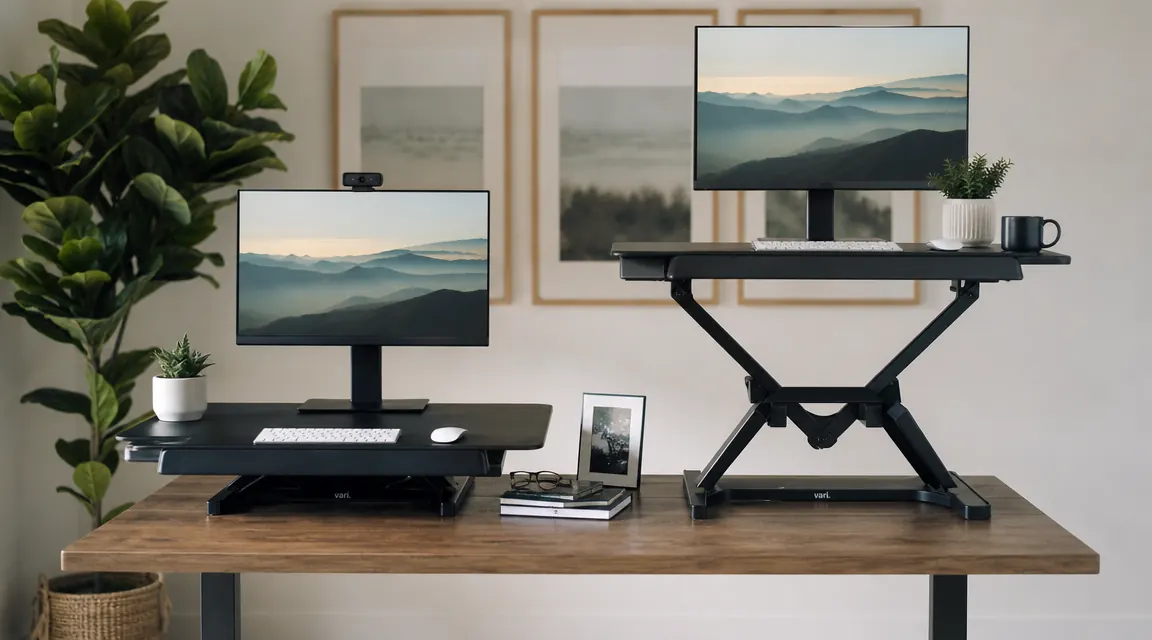
If you have spent any time comparing standing desk converters in the mid-range, you have almost certainly landed on two names: TechOrbits and FlexiSpot. Both are widely reviewed, both sit on top of your existing desk rather than replacing it, and both promise to fix the problem of sitting all day without making you buy a whole new piece of furniture. The question is which one you will actually keep using, and more specifically, whether the price difference between them reflects a real difference in what you get.
I have put the TechOrbits 32-inch converter through more than a year of daily use across two different desk setups, one in a small apartment and one on the road in a hotel room with a cheap desk. I have not owned the FlexiSpot M7 personally, but I have spent time at one belonging to a colleague who runs a similar work-from-home setup in a one-bedroom apartment. What follows is an honest comparison based on real use, not spec sheets. Short answer: TechOrbits wins for most people setting up a home office on a real-world budget, and the reasons are specific enough to be worth understanding before you spend money on either.
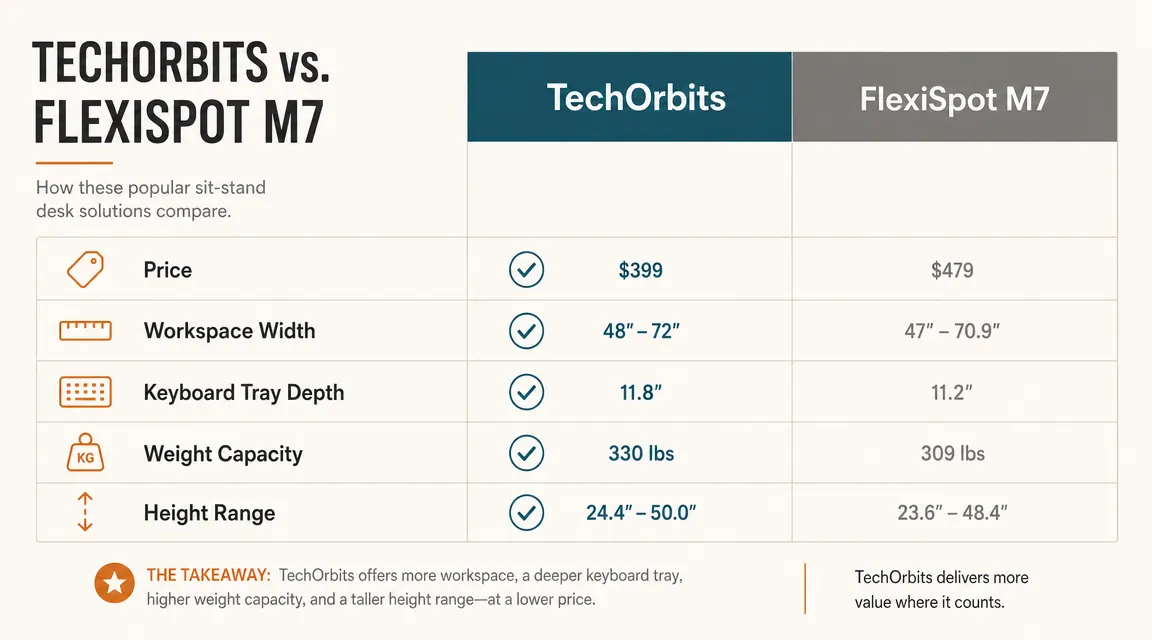
| TechOrbits 32-Inch Converter | FlexiSpot M7B | |
|---|---|---|
| Price (approximate) | Mid-range pricing | Mid-range pricing |
| Surface width | 32 inches | 35 inches |
| Keyboard tray depth | 9.5 inches | 9 inches |
| Height adjustment range | 4.7 to 19.7 inches | 4.7 to 19.7 inches |
| Weight capacity (surface) | 33 lbs | 33 lbs |
| Lift mechanism | Spring-assisted X-frame | Spring-assisted X-frame |
| Cable management notch | Yes | No dedicated notch |
| Amazon reviews (approx) | 7,000+ | 4,000+ |
| Average rating | 4.6 / 5 | 4.5 / 5 |
Where TechOrbits Wins
The most meaningful win for TechOrbits is price relative to what you actually get. At a lower price point versus the FlexiSpot M7's higher street price, the TechOrbits is not a cheaper build cutting corners on the things that matter. The height adjustment range is identical. The weight rating is the same. The lift mechanism works the same fundamental way. You are paying substantially less for what amounts to a nearly equivalent tool for most single-monitor, single-keyboard home office setups.
The keyboard tray is where TechOrbits quietly earns points that the spec sheets do not highlight. At 9.5 inches of usable depth, it fits a full-size keyboard and still leaves a strip of space for your wrists to rest without hanging off the edge. That half-inch difference over the FlexiSpot tray sounds trivial until you have spent four hours at standing height and realized your palms have nowhere comfortable to land. When you are standing and typing, wrist position matters more than when you are seated, because seated workers naturally lean into the desk. Standing workers cannot do that comfortably without hunching, so the keyboard tray geometry actually earns its keep more at standing height than sitting. TechOrbits also includes a small cable management notch built into the rear edge of the surface, which the M7 omits. It is a minor feature, but it is a thoughtful one.
Stability under a single monitor and keyboard load is solid on both units, but TechOrbits has a consistent edge in build reliability based on the long-term owner reports in its review set. The X-frame tension holds reliably after months of daily raising and lowering. I have not experienced any loosening at the pivot points on mine after a year of use, which is the failure mode most commonly cited in negative reviews of budget converters generally. The unit I tested was raised and lowered at least once per day for over 12 months. The resistance feels essentially the same today as it did out of the box.
Stop deliberating. TechOrbits is in stock and ships mostly assembled.
With more than 7,000 Amazon reviews and a 4.6-star average, TechOrbits is the clear choice for a home office converter that does not need to be swapped out in six months. Check today's price below.
Amazon Check Today's Price on Amazon →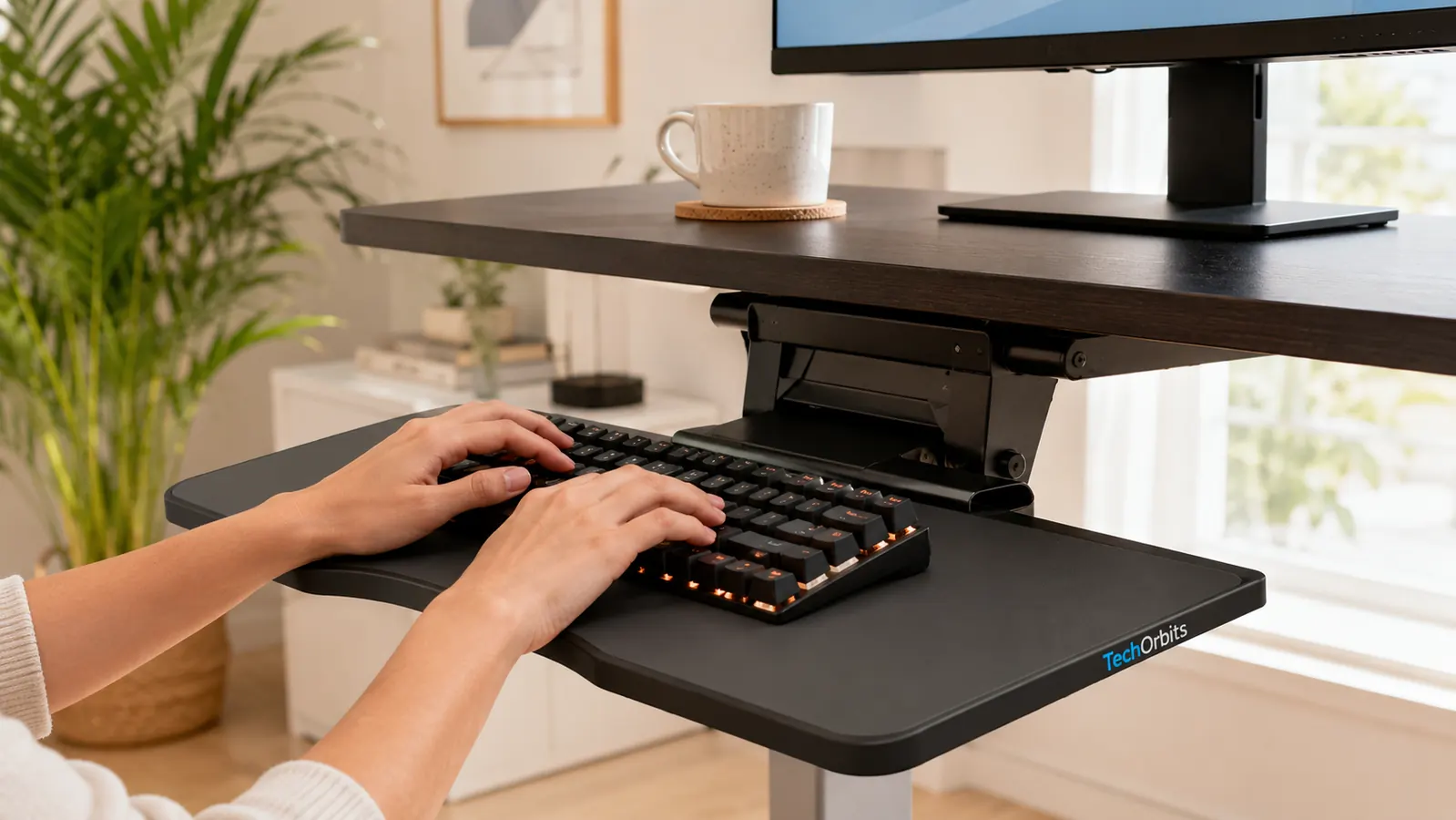
Where FlexiSpot M7 Wins
FlexiSpot's M7 has three inches more surface width, measuring 35 inches versus TechOrbits' 32. If you run a dual-monitor setup and need both screens sitting on the converter platform, that extra width matters in a practical way. On a 32-inch platform, two 24-inch monitors is possible but the monitors end up nearly touching at the bezels and you lose any flexibility for spacing them. On 35 inches, two 24-inch monitors sit with a comfortable gap and do not feel cramped. If your existing desk is on the narrower side and you plan to put two screens up top, FlexiSpot has a real functional advantage over TechOrbits in this specific use case.
The M7 also has a slightly more refined surface finish in the matte versions, which makes it look better in a polished dedicated home office. If aesthetics in video calls matters to you, or if your workspace doubles as a visible background in a professional setting, the FlexiSpot surface reads a bit more premium. That is a soft win, but it is real for people who genuinely care about how the background looks during meetings. FlexiSpot has also been in the converter market longer than TechOrbits, and their warranty support reputation is solid for customers who do encounter defective units.
The TechOrbits surface holds a monitor, a keyboard, and a travel mug without any wobble at standing height. That is the whole job. It does the whole job.
Stability: The Question Everyone Actually Cares About
Both converters use an X-frame lift mechanism with spring assistance, and both are stable under single-monitor loads. The wobble question comes down to how you use them. If you are a heavy typer who types hard and fast, you will feel minor platform movement on either unit at standing height, because all X-frame converters flex slightly under impact at the highest positions. It is not alarming. It does not feel like the unit is failing. But if you have used a full motorized standing desk before, the converter will feel less planted. That is the nature of the format, not a defect specific to either brand. The physics of a converter resting on your desk without being bolted to it means some flex is normal.
Where TechOrbits has an edge in the stability conversation is repeatability over time. The tension in the spring mechanism stays consistent through sustained daily use in owner reports, which means the converter does not start drifting down mid-session after six months of use. FlexiSpot reviews include a small but consistent thread of users noting that the lift resistance softens over time. Not in every unit, and FlexiSpot's support will address defective units under warranty, but it is a pattern worth knowing before you decide.

Height Range and Ergonomics for Standing Work
Both converters share the same nominal height range: 4.7 inches at the lowest position to 19.7 inches at the highest. In practice, this accommodates most adults between roughly 5 feet 2 inches and 6 feet 3 inches for comfortable standing work, assuming a standard 29 to 30-inch desk height. If you are on the taller end and your existing desk is already at the high end of typical desk heights, the maximum extension might put your monitor a few inches below ideal eye level. In that situation, pairing either converter with a monitor arm or a small riser solves the problem cleanly and adds very little cost. I use a monitor arm with my TechOrbits setup and the combination is solid. For the full setup process, the guide on how to set up a standing desk converter in a small apartment covers the step-by-step from unboxing to calibrated height.
The keyboard tray drop on both units places the tray roughly three inches below the main surface, which keeps your wrists in a neutral position when typing at standing height. This geometry is not consistent across all converters. Some budget units put the tray so close to the main surface that your wrists end up angled sharply upward, which creates wrist fatigue fast. Both TechOrbits and FlexiSpot get this geometry right, which is a meaningful part of why both products have sustained strong review ratings rather than showing the complaint spike that often shows up at six to twelve months in lower-quality converter reviews.
Setup and Daily Use
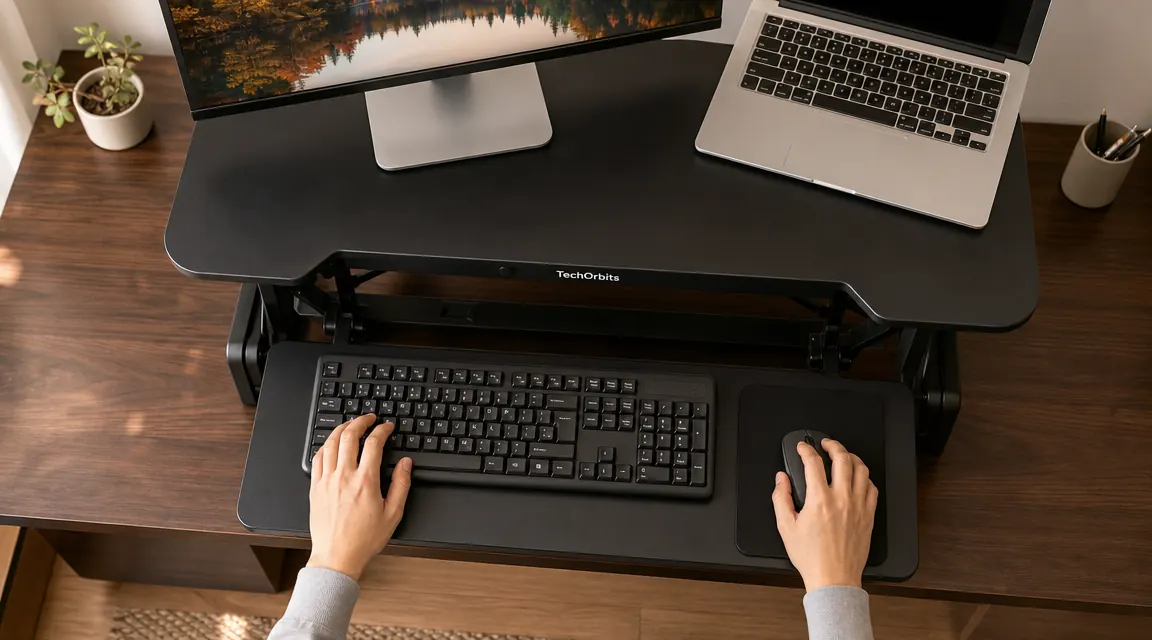
Assembly on both units is low effort. The TechOrbits arrives mostly pre-assembled. You attach the keyboard tray, clip the surface lip into place, and you are done in about 20 minutes with the included hex key and no additional tools. FlexiSpot's M7 takes a similar amount of time and follows the same basic assembly sequence. Neither unit requires any specialized mechanical knowledge or more than one person to assemble. Both can be moved between desks without tools once assembled, which is a practical advantage if you split time between rooms, bring your setup to a family member's home, or work out of a hotel room with a desk that can support the footprint.
Daily height adjustment on TechOrbits is a single lever squeeze and lift. You squeeze the handles on either side of the platform, raise or lower it to the position you want, and release. It takes about three seconds and requires no bending or fumbling. FlexiSpot M7 uses the same lever-lift mechanism with near-identical feel in operation. Both are genuinely easy to use mid-session, which matters more than it sounds. A converter that requires any real effort to adjust gets skipped. You end up sitting all day because adjusting feels like a production. The ease of use on both of these units removes that friction entirely.
Who Should Buy Which
Buy TechOrbits if you have a single monitor, a standard home office desk with at least 23 inches of depth, and you want the most capable converter in the mid-price range. It handles everything a solo home office worker needs, the stability holds up over time, and the keyboard tray is slightly more comfortable at standing height than FlexiSpot's. You also save money that can go toward an anti-fatigue mat, which actually does a lot for how long you want to stand. If you are new to standing desk converters and are not certain whether the habit will stick, TechOrbits is also the lower-stakes entry point. You can always upgrade if you decide later that you need the extra surface width. For a detailed breakdown of the first year on the TechOrbits, the full long-term review covers everything that changed and what stayed the same.
Consider FlexiSpot M7 if you specifically need to fit two monitors on the converter platform at the same time and your desk width does not give you room to put one monitor off to the side. Three extra inches of surface width is a real solution to a real constraint in that scenario. FlexiSpot also makes sense if you are setting up a permanent dedicated home office where visual polish matters and you want the surface to look more refined. If neither of those specific conditions applies to your setup, TechOrbits does the same core job for meaningfully less money, and the trade-offs are ones most people will never notice.
TechOrbits wins for most single-monitor home office setups. See today's price.
4.6 stars across more than 7,000 Amazon reviews. Ships mostly assembled. Fits standard desks up to 23 inches deep. The converter that earns its footprint without making you spend a fortune to find out if you like standing.
Amazon Check Today's Price on Amazon →