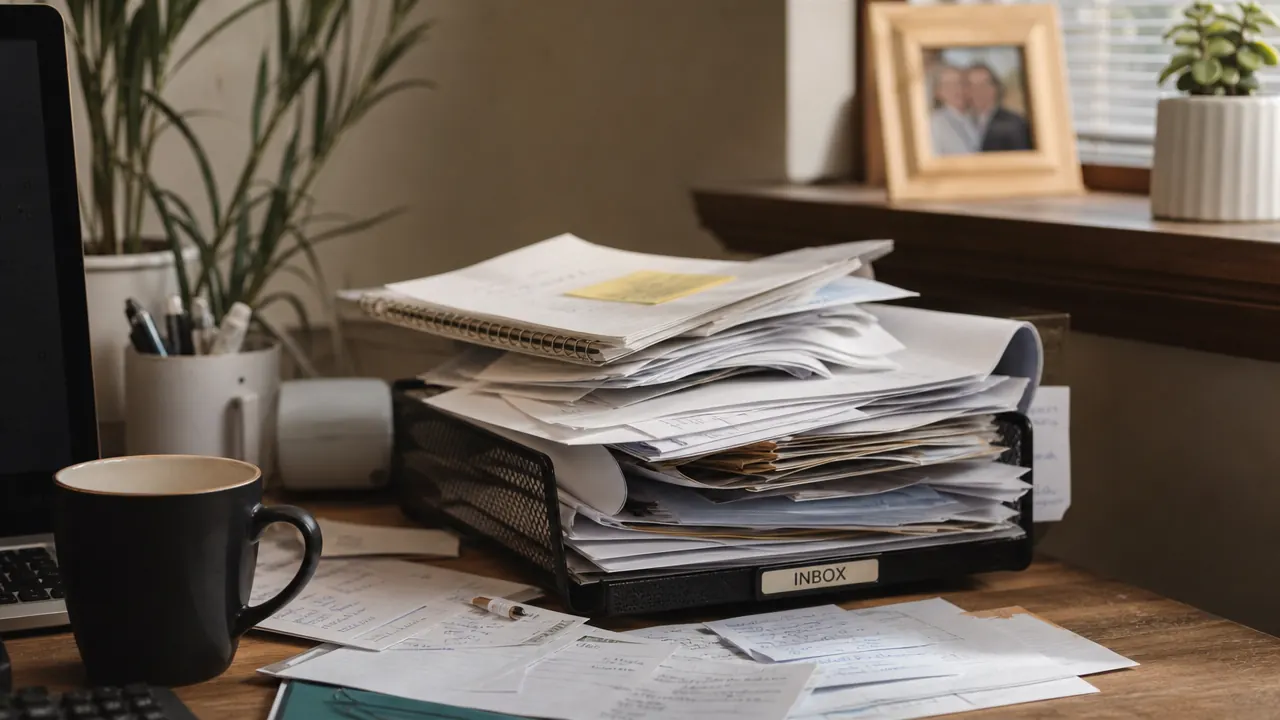
For three years I had a paper inbox tray in the right corner of my desk. It was supposed to be temporary. The little Epson WorkForce ES-50 scanner now sitting beside that empty tray is the reason I am finally telling this story.
I am a pretty organized person in most areas. My cables are routed. My desk drawer has dividers. But the paper thing I just kept tolerating, the same way you tolerate a dripping faucet you never quite get around to calling about. It was not costing me anything obvious. Or so I thought.
Then my coffeemaker died. Brand new unit, maybe fourteen months old. I went looking for the receipt to make a warranty claim. I dug through the stack for about forty minutes. I searched three shoeboxes in the closet. I went through an old notebook I had been using as a catch-all. The receipt was gone. I filed the claim anyway with just the order confirmation email from Amazon, and it worked out, but the whole ordeal cost me close to an hour and left me genuinely annoyed at myself. I had been tolerating a system that did not work, and I had finally felt what that costs.
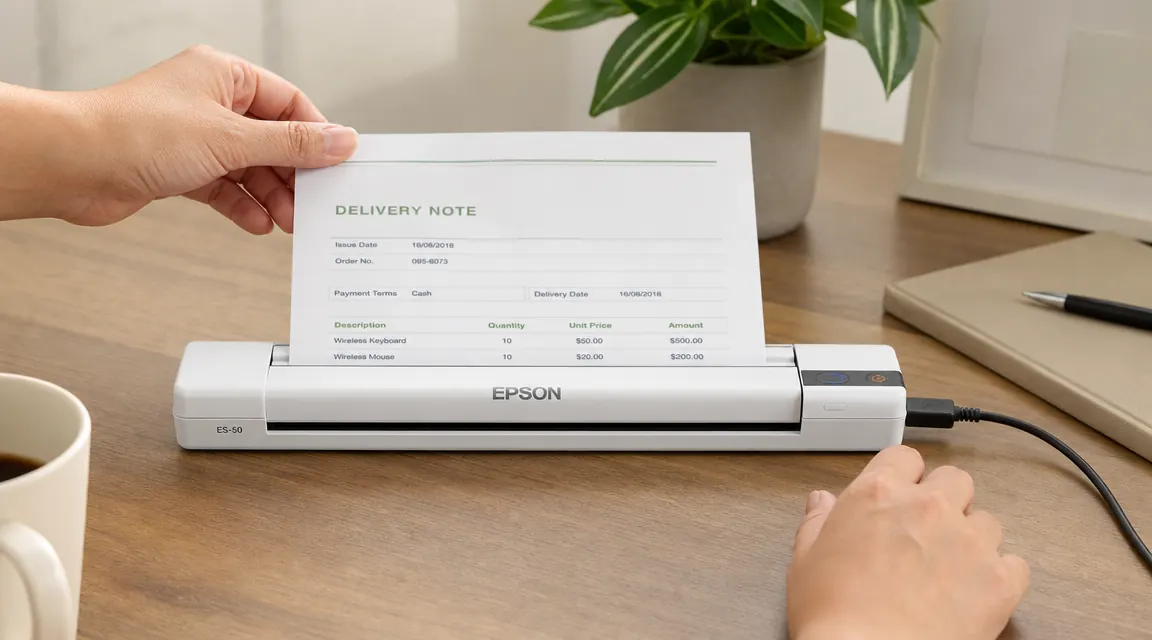
That afternoon I started researching portable document scanners. I had always assumed going paperless required a flatbed scanner the size of a small suitcase, or some elaborate setup with folders and labels and dedicated filing time every Sunday. What I found was that a sheet-fed scanner changes the math entirely. You feed a document in, it scans both sides in seconds, the software saves a searchable PDF automatically, and the paper goes in the recycling bin. The whole transaction takes about fifteen seconds per page.
The whole transaction takes about fifteen seconds per page. After three years of paper piles, that felt almost embarrassingly simple.
If you have a paper pile that is costing you time, this is the scanner worth looking at.
The Epson WorkForce ES-50 is USB-powered, takes up about the footprint of a hardcover book, and works with Mac and PC without any driver drama. It has 4.3 stars across nearly 6,000 reviews, which is a meaningful signal for a document tool most people only buy once.
Amazon Check Today's Price on Amazon →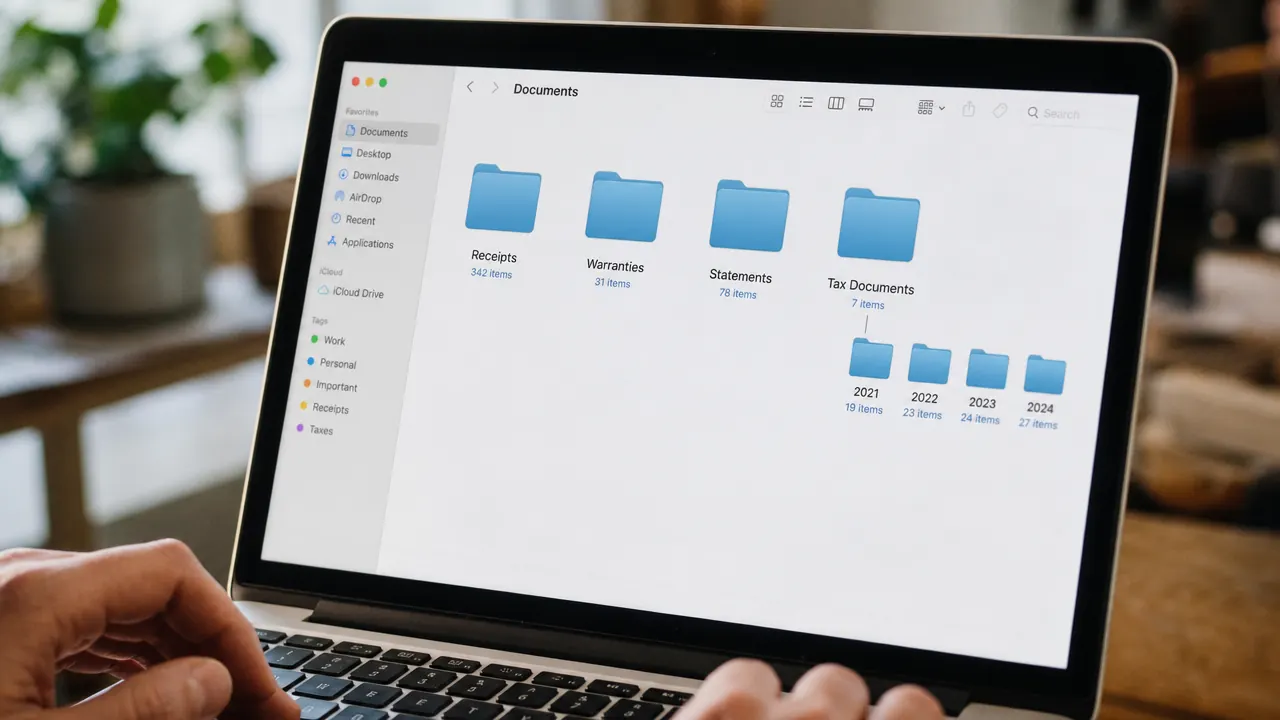
The scanner I landed on was the Epson WorkForce ES-50. A few things made it the obvious choice for my setup. First, it is genuinely small, about 10.8 inches long and 2.6 inches wide when closed. It sits on the corner of my desk and takes up less space than a stapler. Second, it runs off a single USB cable. No power brick, no wall outlet required. I plug it into my laptop and it is ready. Third, the software that ships with it, Epson ScanSmart, is legitimately good. It detects document edges, auto-corrects skew, and can name files by date automatically. I was not expecting the software to be a selling point but it is.
My workflow now is about as simple as it can get. Anything that comes in the mail that I might need later, I scan it the same day it arrives. Receipt for something that might need a warranty claim, scan it. Explanation of benefits from insurance, scan it. Tax document, scan it. Each goes into a folder organized by year and then category. I do not spend time doing this, it takes less than a minute per document. The physical copy goes in the recycling immediately unless it is something I legally need to keep as an original.
The thing I did not expect was how much mental weight it removed. That paper stack was always quietly nagging me. I would sit down to work and it was there in my peripheral vision, a small reminder of things I had not dealt with. Getting rid of it was not just a practical win, it was a focus win. My desk corner is clear. When I need a document, I search for it in two seconds. The coffeemaker situation will never happen again.
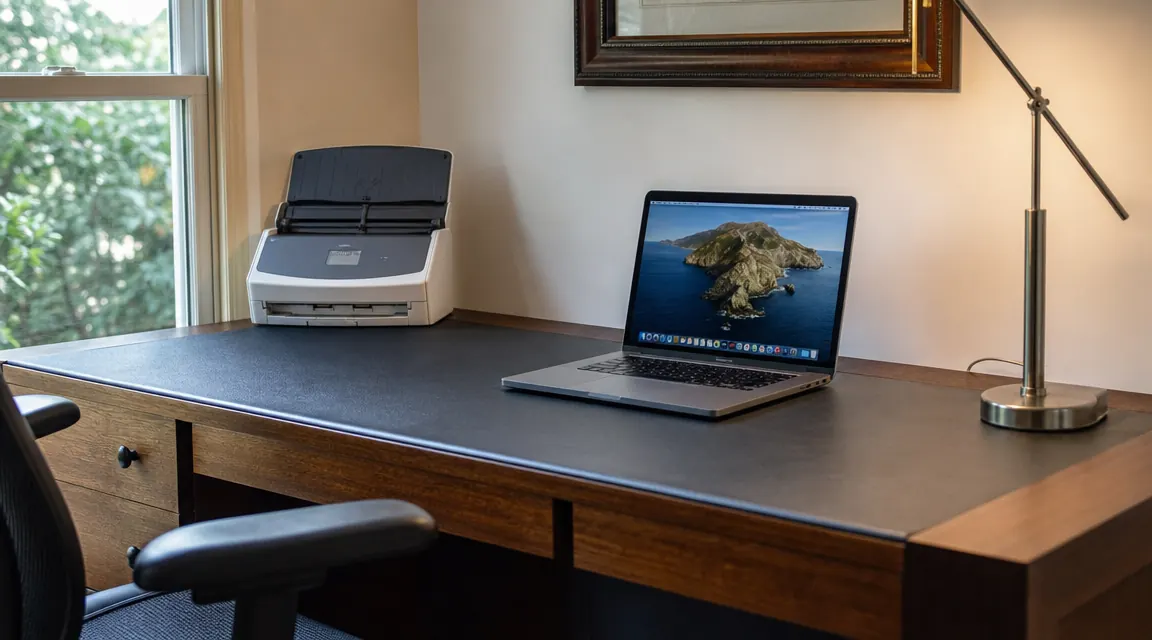
The ES-50 is not perfect. It handles one sheet at a time, so if you have a thick contract you are scanning page by page. The speed is fine for occasional use, around 7.5 pages per minute, but if you need to blast through fifty pages daily you would want a heavier machine. For the typical home office person who accumulates a few documents a week, the speed is more than adequate. I want to be honest about that tradeoff, because there are faster, more expensive options if your volume demands it. Mine does not. Maybe yours does not either.
What I Would Tell You If We Were Sitting at My Kitchen Table
If you have a paper pile anywhere in your office and you have been tolerating it the same way I was, this is an easy fix. A portable sheet-fed scanner does not require you to redesign your whole filing system. You do not need color-coded folders or a dedicated filing cabinet. You need a scanner, a laptop folder, and the habit of processing documents the day they arrive. The hardware handles the rest. I wasted three years on a stack that was always one missing receipt away from costing me real time. Getting rid of it was one of the more satisfying improvements I have made to my setup, and it cost me less than a night out.
If you want to read a deeper breakdown of how the ES-50 performs against other portable scanners, including the Brother DS-740D comparison, the full review covers all of it. I also put together a piece on how to actually structure your scan-and-file system once you have the hardware, which answers the "where do I put everything" question most people have before they start.
The Epson ES-50 is the scanner I actually use. Here is the current price.
USB-powered, Mac and PC compatible, Epson ScanSmart software included. Small enough to live on your desk permanently without taking up meaningful space. 4.3 stars, close to 6,000 reviews. A solid, practical buy for anyone with a paper problem.
Amazon Check Today's Price on Amazon →